


01
“My Wix site looks like a template.”
How we fix itWe design custom layouts in Wix or Wix Studio, so the site looks like your business and not like the theme you started from.
Websites / Wix web design
Next Nova designs custom Wix and Wix Studio websites for small businesses that want to edit everything themselves. A typical site costs $1,490–$2,900, launches in 3 weeks and includes custom layouts, Wix Bookings or Stores setup, SEO settings and a training session so you’re never stuck waiting on a developer.
Trusted by 1,100+ small businesses




















01 Sound familiar?
If any of these sound like your site, they’re fixable without leaving Wix. Here’s how.
How we fix itWe design custom layouts in Wix or Wix Studio, so the site looks like your business and not like the theme you started from.
How we fix itMost slow Wix sites have too many apps, heavy images and animations. We compress images, remove the apps you don’t use and design the mobile layout separately.
How we fix itWix handles the technical basics well. Rankings come from good content, local SEO and reviews, which we set up along with your SEO settings, structured data and redirects.
How we fix itWix is built for editing yourself. A training session shows you how to change text, photos and pages, and you get 30 days of support after launch.
02 What you get
A fixed list, agreed before we start. A typical Wix site includes all of this.
You see your homepage design, on desktop and mobile, before we build. Two rounds of changes are included.
Change text, photos and prices in the Wix editor, without waiting on a developer.
Advanced layouts and animations where they help, never where they slow the page down.
Whichever Wix apps your business needs, set up and tested.
Titles, descriptions, structured data and redirects, set up page by page.
Compressed images and fewer apps, so pages load quickly on mobile data.
Designed for a phone on its own, not just the desktop layout squeezed down.
A session on editing your site, then 30 days of free support.
03 How we work
Wix projects usually go wrong in three places: the site looks like a template, it’s slow on a phone, and the owner doesn’t know how to change it. Here’s how we handle each one.
Design first
You get your homepage designed for desktop and mobile first. Two rounds of changes are included, and we only start building in Wix once you say yes.
Homepage designed before the build
Two rounds of changes included
Mobile layout designed separately
Built for speed
Wix runs the servers, so speed comes down to what’s on the page. We compress every image, keep apps to the ones you use and avoid heavy animations.
Images compressed and sized for mobile
Only the apps you use
Lighter fonts and simpler mobile layouts
Yours to keep
We build inside your own Wix account, so the site, the domain and the billing are yours from day one. If you ever leave us, nothing has to move.
Built in your own Wix account
Training on editing text, photos and pages
30 days of free support
04 Price
You pay us once for the design and build. Wix Premium, which connects your domain and removes Wix ads, is paid to Wix.
From
$1,490
A typical site costs $1,490–$2,900. You also need a Wix Premium plan, paid to Wix, to connect your domain and remove Wix ads.
What’s always included
Custom design, no template look
Mobile-first build
Google Analytics and Search Console
On-page SEO basics
A 30-minute training call
30 days of free support
Every login handed over to you
What changes the price
Number of unique page designs
Online store size
Integrations: CRM, booking, payments
Copywriting
Multi-language
How payment works: 50% to start, 50% when your site is ready to go live. Card or bank transfer.
05 How it works
Built in your own Wix account, on Wix or Wix Studio, with the phone layout checked by hand.
Day 1
Tell us what the site should do: bookings, a store or simply more calls.
Week 1
You approve the homepage design first, on desktop and on a phone. Two rounds of changes.
Week 2
Custom layouts, Bookings or Stores, SEO settings and the mobile layout, all tested.
Week 3
We connect your domain, then walk you through editing in Wix.
After
For a month, anything that needs fixing or tweaking is on us.
You own everything. Your accounts, files and every login are yours. If you ever leave us, you take it all with you.
06 Selected work
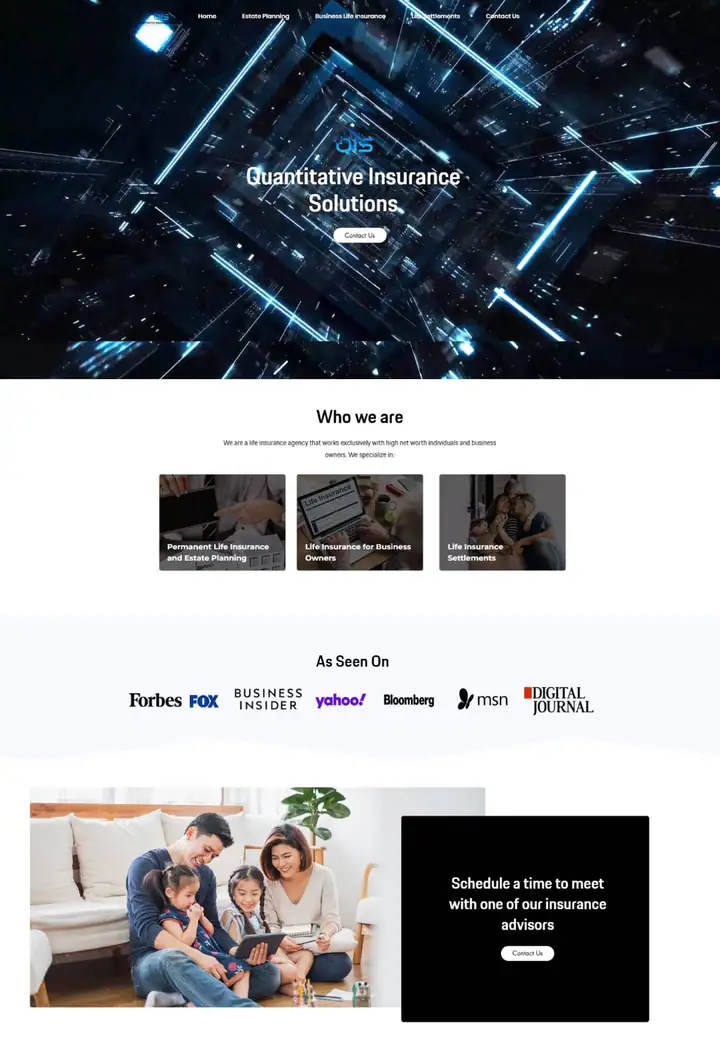
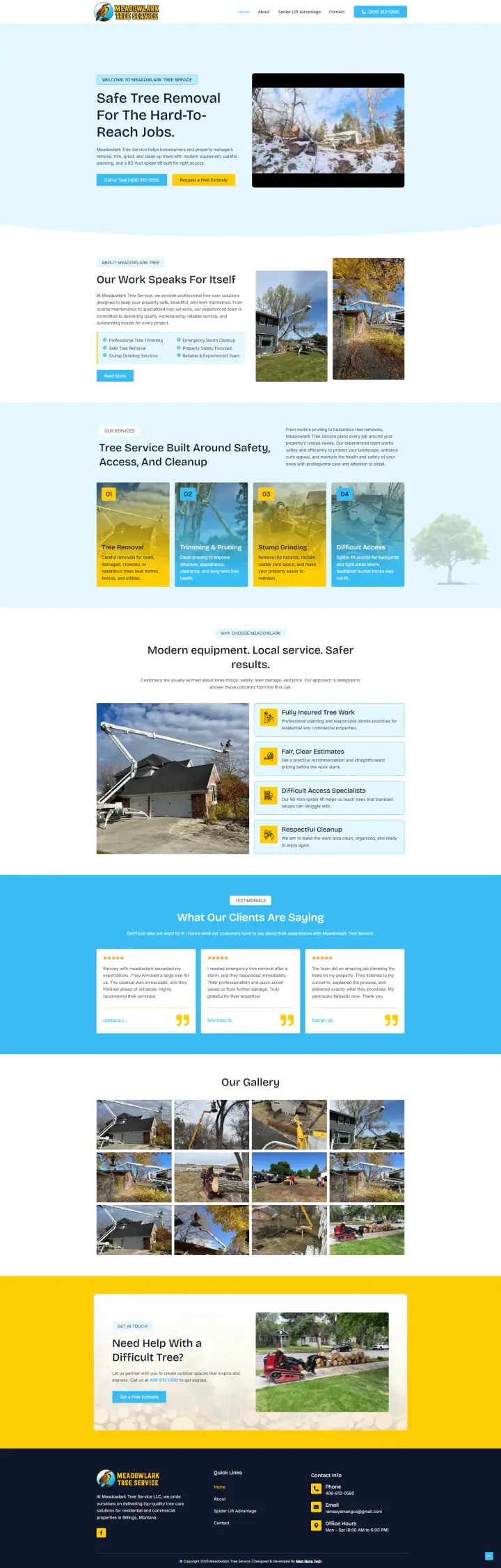
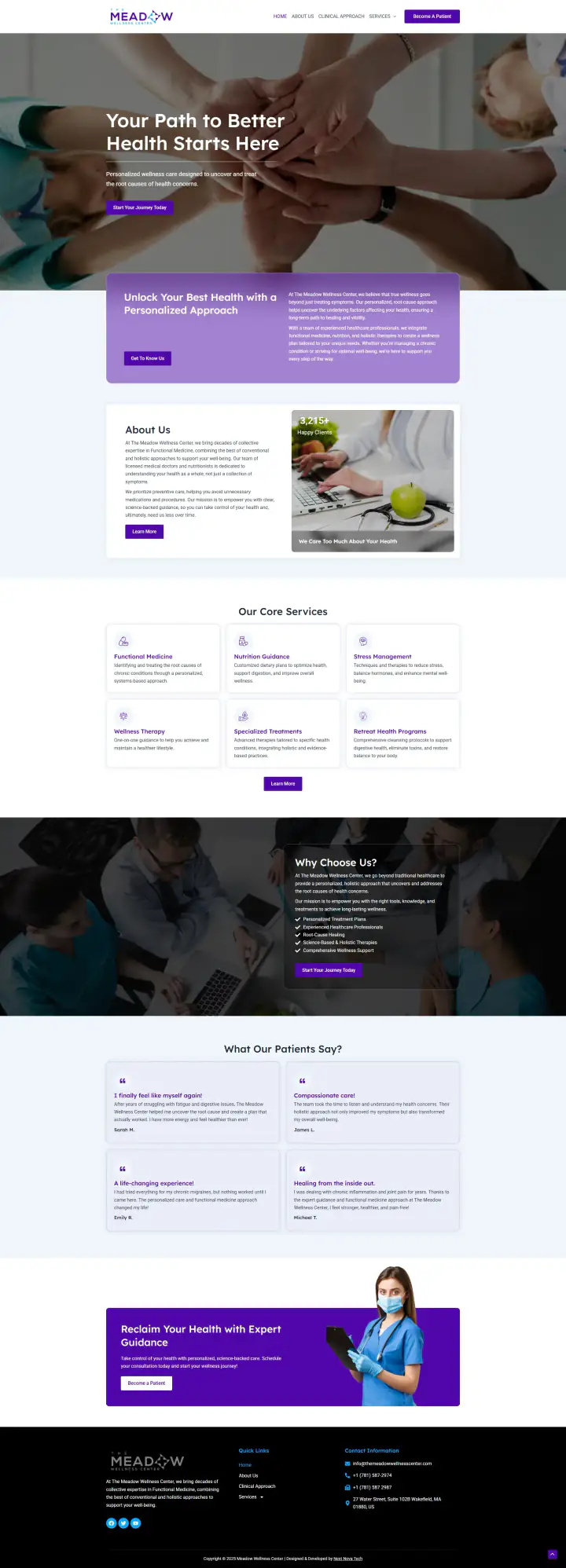
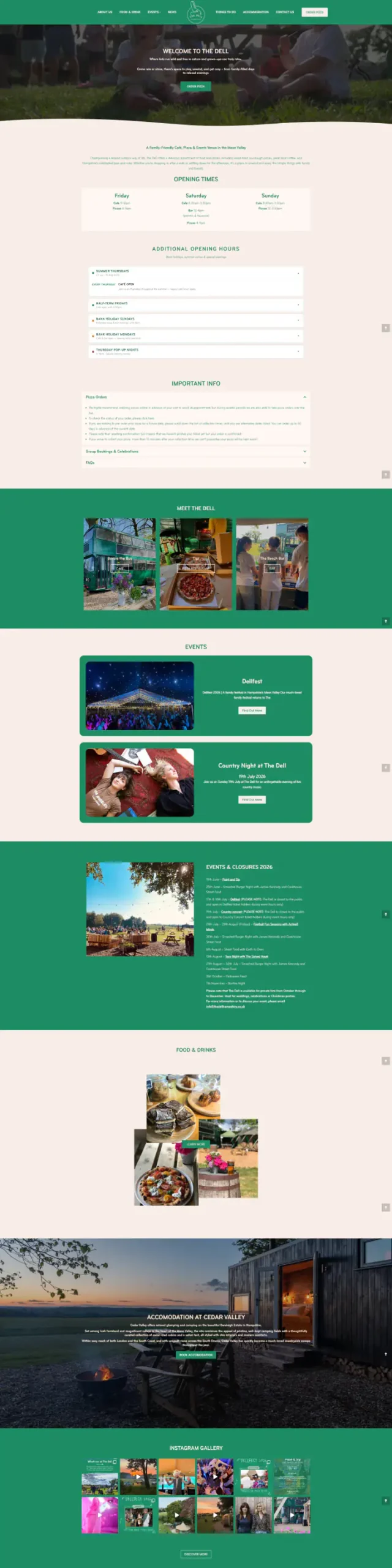
Wix sites from our portfolio. Hover a screenshot to scroll the page.
Tell us your industry on the call. We’ll introduce you to someone we’ve built for.
07 Compare
An honest look at the three usual ways to get a Wix site built. The right choice depends on your budget, your timeline and how hands-on you want to be.
08 Tools
Wix and the tools around it, set up in your own account.
09 Is it right for you?
Wix isn’t the right answer for everyone. Here’s how to tell before you spend a dollar.
Want to edit everything yourself without touching code or plugins.
Need booking, a small store, events or a members’ area built in.
Want one bill for hosting, security and the editor.
Already have a Wix site that needs to look custom and load faster.
Plan to publish a lot of content and grow on Google. WordPress gives you more room.
Mainly sell products. A Shopify store is built for that.
Want a design-led site with almost no upkeep. Squarespace may suit you better.
Need custom software, like a portal or a quote calculator. That’s a custom web app.
10 Questions
Still unsure about something? Message us. A real person replies.
Ask on WhatsAppYes, for most small businesses. Wix now handles the technical basics well; rankings come from good content, local SEO and reviews, which we set up.
Yes. Most slow Wix sites have too many apps, heavy images and animations. We usually get mobile scores up within 3 days.
Yes, with redirects so you keep your Google rankings.
Yes, to connect your domain and remove Wix ads. We’ll tell you which plan you actually need.
Most Wix sites go live in 3 weeks: design in week 1, build in week 2, launch and training in week 3.
Yes. Wix is built for that. A training session shows you how to change text, photos and pages, and you get 30 days of free support.