
01
“New leads wait hours for a reply.”
How we fix itA speed-to-lead workflow sends an instant text and email, adds the lead to your CRM and tells your team in Slack.
Automate / AI automation
Next Nova builds AI-powered automations for small businesses using n8n, Make and Zapier. We connect the apps you already use — forms, CRM, email, calendar, invoicing, Google Sheets — so leads get answered in minutes and admin runs itself. A single workflow starts at $690 and usually goes live in 1–2 weeks.
Trusted by 1,100+ small businesses




















01 Sound familiar?
If any of these sound familiar, an automation can take it off your plate. Here’s how.
How we fix itA speed-to-lead workflow sends an instant text and email, adds the lead to your CRM and tells your team in Slack.
How we fix itJob details go in, AI drafts the quote in your template, and you approve it with one click.
How we fix itWhen a job is marked done, a review link goes out after 2 hours, with a reminder after 3 days.
How we fix itOverdue invoices in QuickBooks, Xero or Stripe get polite reminders, then an escalation, without you writing a word.
02 What you get
Each one is a single workflow with a fixed price. Most businesses start with one or two.
New form or ad lead → instant SMS and email reply → added to CRM → team notified in Slack.
Job details in → AI drafts the quote in your template → you approve with one click.
Job marked done → review link after 2 hours → reminder after 3 days.
QuickBooks, Xero or Stripe overdue → polite reminders → escalation.
AI sorts and summarises incoming email and drafts replies to routine questions.
One blog post or video → social posts, newsletter and Business Profile post drafts.
Numbers from ads, GA4, your CRM and Stripe, in one Google Sheet or Slack message.
Error alerts on every workflow, and fixes within one business day on a monitoring plan.
03 How we work
Automations go wrong when nobody maps the process, they’re tested on fake data, and only the builder knows how they work.
Map first
We start with a 30-minute call to map your process step by step. You get a written workflow diagram and a fixed price, so you know exactly what will happen before we build anything.
A 30-minute process mapping call
A written workflow diagram
A fixed price per workflow
Real data
We build in n8n, Make or Zapier and test every step with your real data, not a demo. Anywhere a mistake would cost you, like a quote or a refund, we add a human approval step.
Tested with your real data
A human approval step where it matters
Error alerts on every workflow
Handover
Every workflow runs in accounts you own. At handover you get a short video and written docs, so you, your team or any other developer can see how it works.
Accounts in your name
A handover video and docs
Optional monitoring plan
04 Price
You pay per workflow, not per hour. We map the steps with you first, so the price covers exactly what gets automated.
From, per workflow
$690
A single workflow starts at $690 and usually goes live in 1–2 weeks. Monitoring, if you want it, starts at $99 a month.
What’s always included
A 30-minute process mapping call
A written workflow diagram
Build and testing with your real data
Error alerts
A handover video and docs
Accounts in your name
What changes the price
Number of steps and apps
AI steps and approvals
Volume of runs
Self-hosting n8n
Monitoring plan
How payment works: 50% to start, 50% when the workflow goes live. Monitoring is billed monthly. Card or bank transfer.
05 How it works
No surprises. You’ll know what the workflow does and what it costs before we build.
Day 1
30 minutes to map how the work happens today.
Day 2–3
A written workflow diagram and a fixed price to approve.
Week 1–2
Built and tested with your real data, with approvals where needed.
Launch
A handover video and docs, and the workflow switched on.
After
Error alerts, and fixes within one business day.
Your data stays yours. We keep data in your own accounts, use business API terms that don’t train on your data, and add a human approval step anywhere a mistake would cost you.
06 Selected work
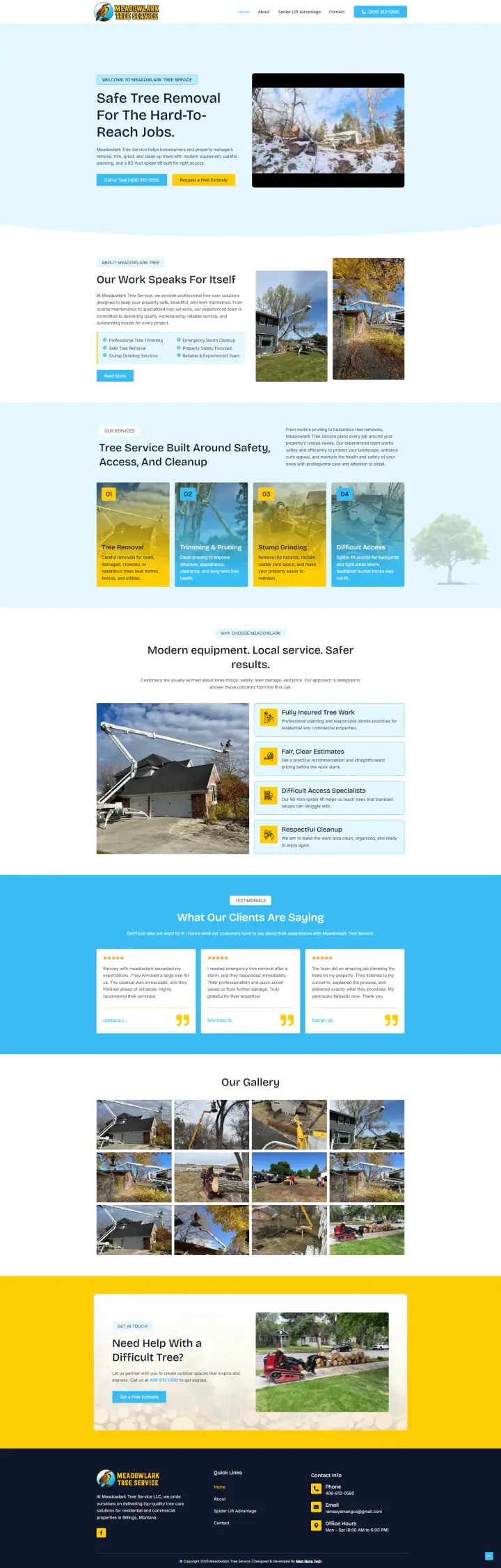
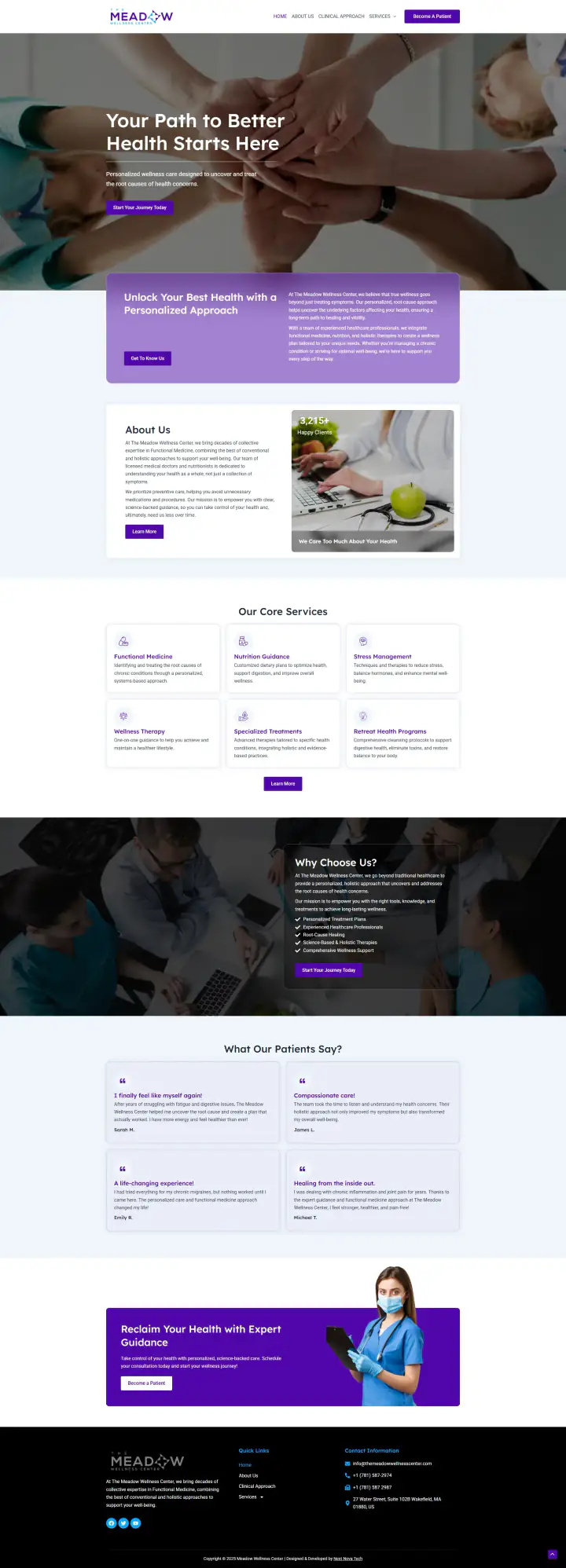
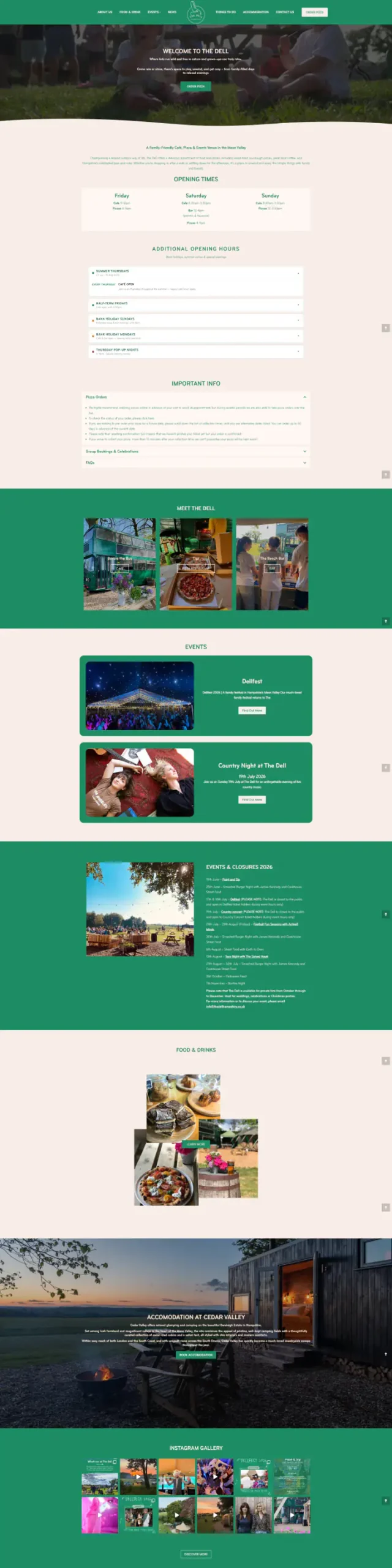
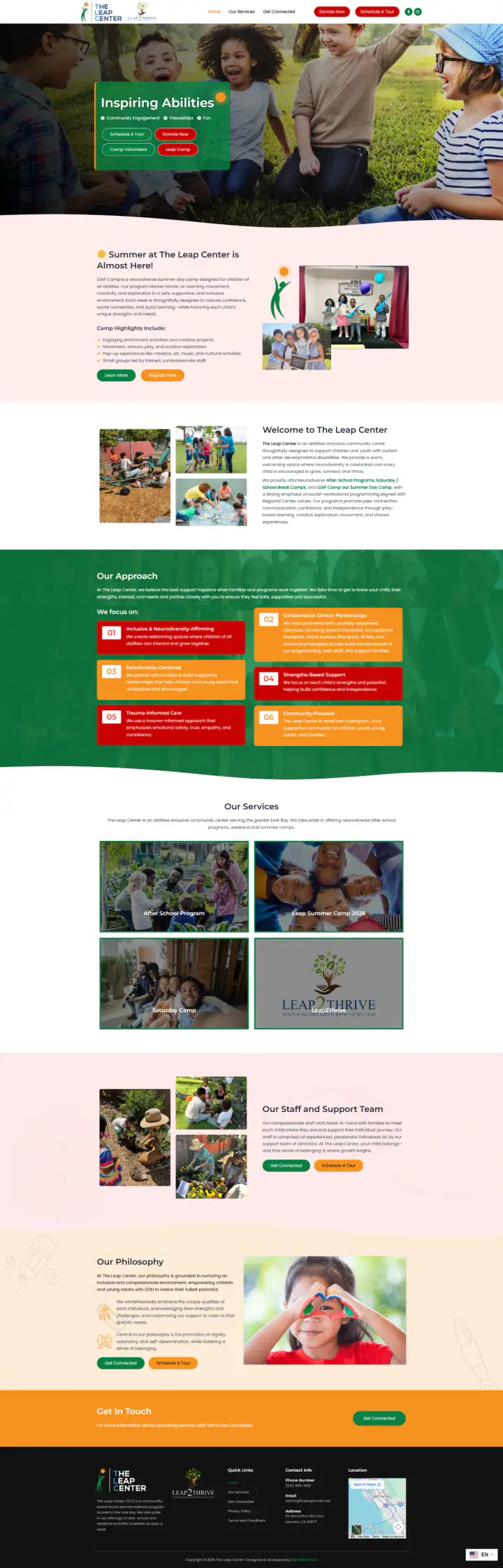
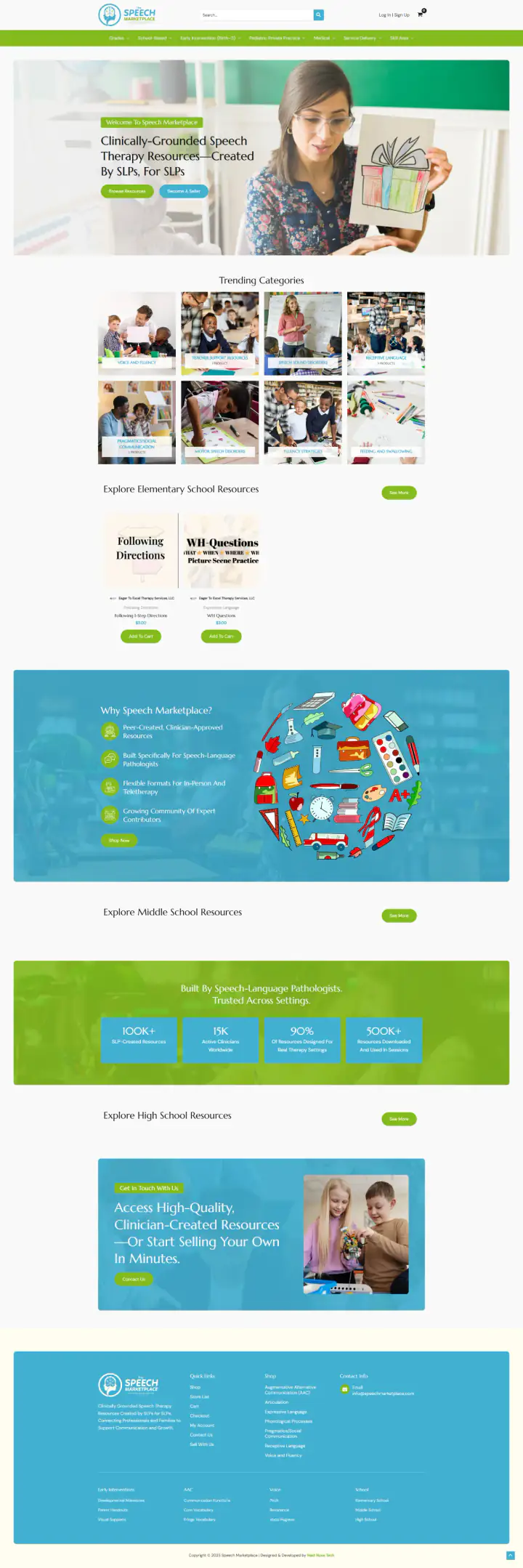
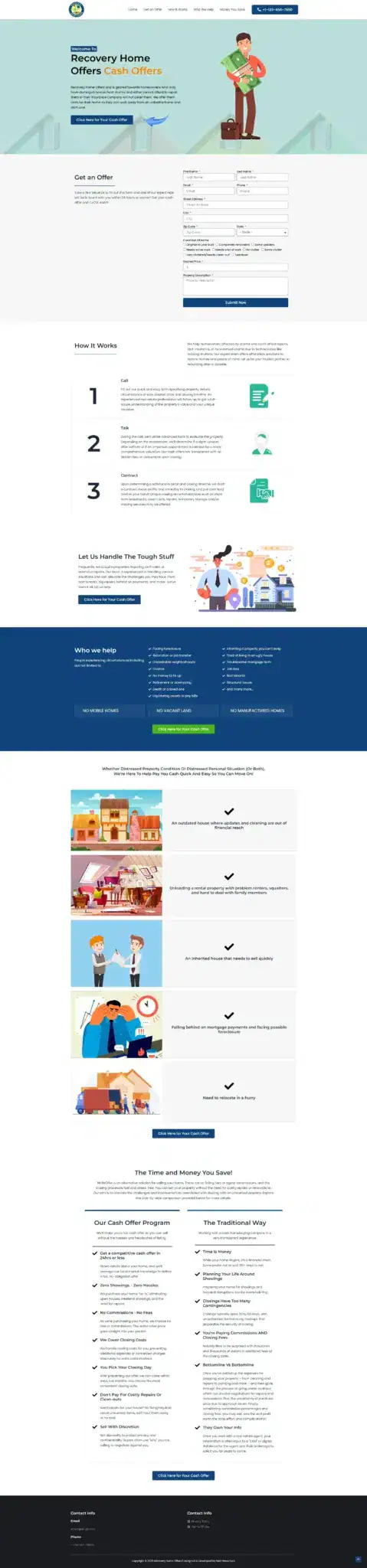
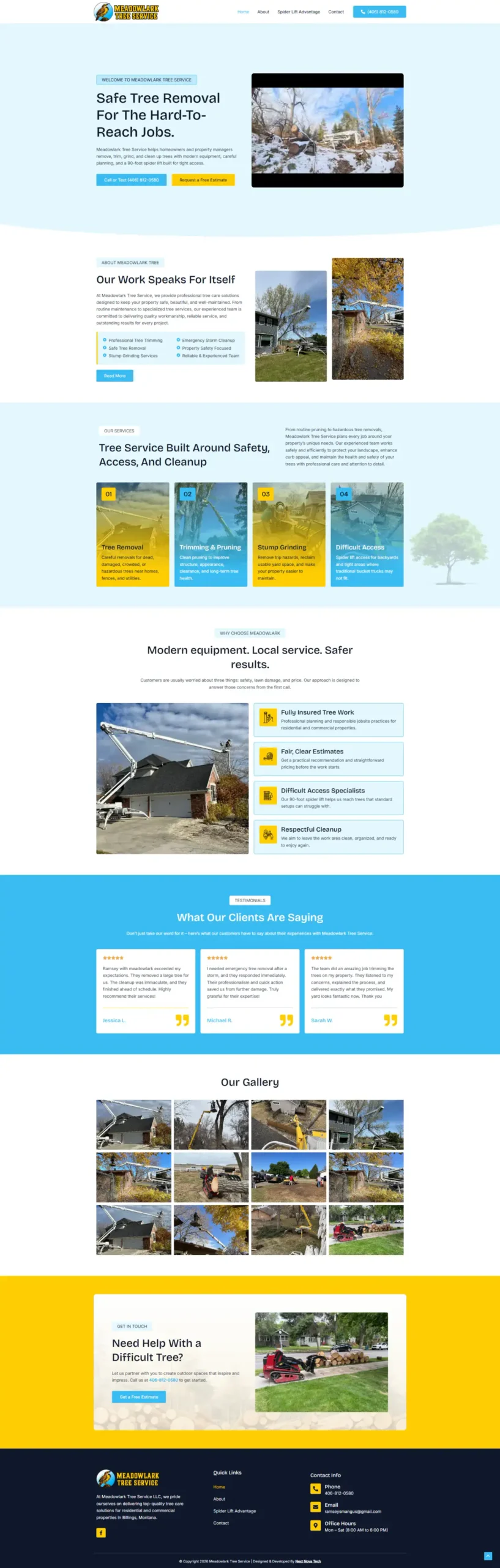
Our public portfolio shows websites. These are three of them, built by the team that would build your automations. Tell us on the call what eats your week.
Tell us your industry on the call. We’ll introduce you to someone we’ve built for.
07 Compare
An honest look at the three usual ways to get the busywork done.
08 Tools
n8n for complex and cost-sensitive workflows, Make and Zapier for the rest, linked to the apps you already use.
09 Is it right for you?
Automation pays off when the same task happens again and again. Here’s how to tell.
Do the same task every day: replies, quotes, invoices or reports.
Lose leads because replies take hours.
Already use apps like a CRM, Google Sheets or QuickBooks.
Want a human check where mistakes would cost you.
Have a task that needs judgement every time. A person suits it better.
Need an all-in-one CRM first. Start with GoHighLevel.
Want a chat assistant on your website. See AI chatbots.
Need custom software, like a portal. That’s a custom web app.
10 Questions
Still unsure about something? Message us. A real person replies.
Ask on WhatsAppn8n is a workflow automation tool, like Zapier, that can be self-hosted. It handles complex logic and AI steps and costs much less at high volumes.
Zapier for simple, quick connections; Make for visual multi-step flows at lower cost; n8n for complex, AI-heavy or high-volume work, or when data must stay on your own server.
We keep data in your own accounts, use business API terms that don’t train on your data, and add a human approval step anywhere a mistake would cost you.
Every workflow has error alerts. On a monitoring plan we fix issues within one business day.
A single workflow starts at $690 and usually goes live in 1–2 weeks. Monitoring starts at $99 a month if you want it.
Usually not. We connect the apps you already use, like your forms, CRM, email, calendar, invoicing and Google Sheets.